#include <emscripten.h>#include <cstdlib>#include <cstdio>#include <cmath>#include <random>#include "WGLContext.hpp"#include "WGLSceneRenderer.hpp"#include "WGLRakeRenderer.hpp"#include "Scene.hpp"#include "Options.hpp"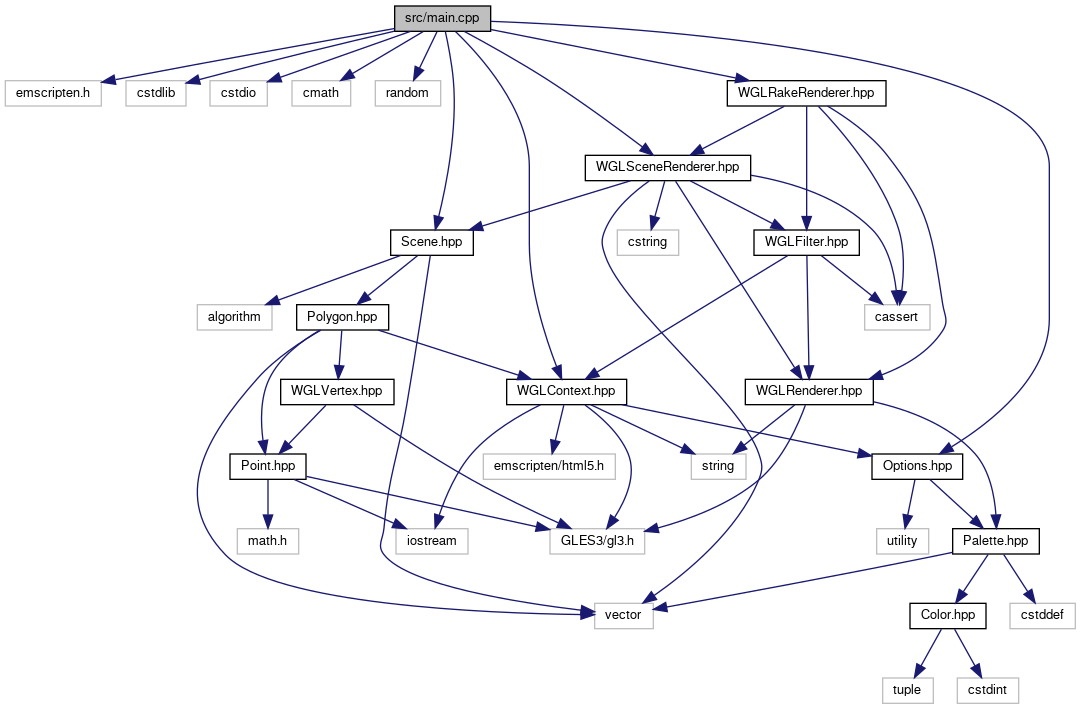
Classes | |
| struct | DropData |
| All relevant data for a single drop grouped as a struct. More... | |
Macros | |
| #define | checkSetup(RET) |
| Check wether the backend is initialized or not. More... | |
| #define | checkState(STATE, RET) |
Check wether the backend is currently in the state given by STATE. More... | |
Functions | |
| void | _initWGLContext (const char *canvasID, size_t x) |
| Used to initialize the WGL context. More... | |
| int EMSCRIPTEN_KEEPALIVE | addDrop (float, float, float, unsigned) |
| int EMSCRIPTEN_KEEPALIVE | finishDrop (int) |
| template<typename C , typename R > | |
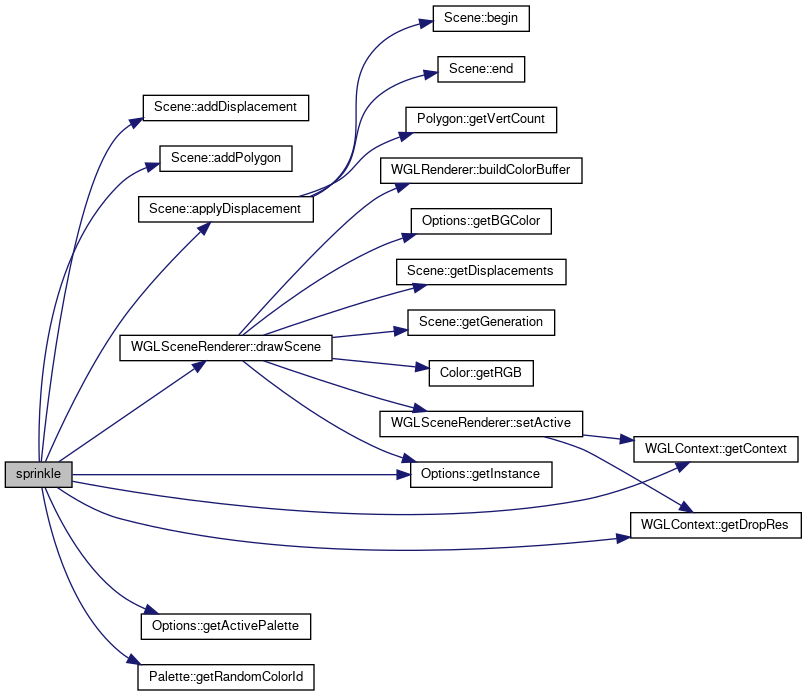
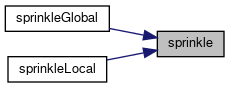
| void | sprinkle (int amt, C &coord, R &radius) |
| Generate drops of random size and position. More... | |
| void EMSCRIPTEN_KEEPALIVE | initBackend (const char canvasID[], size_t dropRes, size_t rakeRes) |
| Init function. Should be called first. More... | |
| int EMSCRIPTEN_KEEPALIVE | addPalette (size_t num_colors) |
| Add a new palette. More... | |
| int EMSCRIPTEN_KEEPALIVE | setActivePalette (int const id) |
| Set an active palette. More... | |
| int EMSCRIPTEN_KEEPALIVE | setColorAt (size_t const colorNumber, unsigned int const color) |
Set the number at position colorNumber of the active palette. More... | |
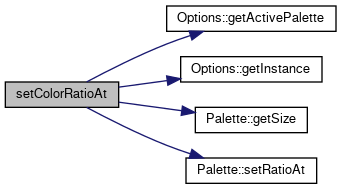
| int EMSCRIPTEN_KEEPALIVE | setColorRatioAt (size_t const colorNumber, unsigned const ratio) |
| Set the the ratio of a color in the active palette. More... | |
| void EMSCRIPTEN_KEEPALIVE | setBGColor (unsigned int const color) |
| Set the background color. More... | |
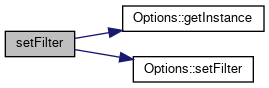
| void EMSCRIPTEN_KEEPALIVE | setFilter (bool filter) |
| Set the filter option. More... | |
| int EMSCRIPTEN_KEEPALIVE | addDrop (float const x, float const y, float r, unsigned int const color) |
| Add a new color drop. More... | |
| void EMSCRIPTEN_KEEPALIVE | addDrops (int count, DropData drops[]) |
| Add multiple drops at once. More... | |
| void EMSCRIPTEN_KEEPALIVE | redraw () |
| Redraw the current data model based on the backend state. More... | |
| void EMSCRIPTEN_KEEPALIVE | resize (size_t dropSize, size_t rakeSize) |
| Resize the canvas. More... | |
| int EMSCRIPTEN_KEEPALIVE | resizeDrops (float const newRadius) |
| int EMSCRIPTEN_KEEPALIVE | finishDrops () |
| Finish all drops applying their displacement on all old drops. More... | |
| char *EMSCRIPTEN_KEEPALIVE | getImage () |
| Return the current canvas content as image. More... | |
| void EMSCRIPTEN_KEEPALIVE | sprinkleLocal (int amt, float r_min, float r_max, float x, float y, float sig) |
| Create drops around the cursor postion. More... | |
| void EMSCRIPTEN_KEEPALIVE | sprinkleGlobal (int amt, float r_min, float r_max) |
| Create drops at random positions on the canvas. More... | |
| void EMSCRIPTEN_KEEPALIVE | clearCanvas () |
| Clear canvas content and data model. More... | |
| void EMSCRIPTEN_KEEPALIVE | rake (float x, float y, float period, float amplitude, float phase, bool nails[1000]) |
| void EMSCRIPTEN_KEEPALIVE | startRaking () |
| Set rake state. More... | |
| void EMSCRIPTEN_KEEPALIVE | startDropping () |
| Set drop state. More... | |
| void EMSCRIPTEN_KEEPALIVE | undoLastRake () |
| Undo the last rake. More... | |
| int EMSCRIPTEN_KEEPALIVE | main () |
| < Currently does nothing. Initialization is the frontend's job. More... | |
Variables | |
| bool | setupDone = false |
| Stores wether backend is initialized or not. More... | |
| WGLSceneRenderer * | sceneRenderer |
| global WGLSceneRenderer More... | |
| Scene * | scene |
| global scene More... | |
| WGLRakeRenderer * | rakeRenderer |
| global WGLRakeRenderer More... | |
Macro Definition Documentation
◆ checkSetup
| #define checkSetup | ( | RET | ) |
Check wether the backend is initialized or not.
- Parameters
-
RET return value of the function in case that the backend is not initialized.
◆ checkState
| #define checkState | ( | STATE, | |
| RET | |||
| ) |
Check wether the backend is currently in the state given by STATE.
- Parameters
-
STATE State to compare with. True for drop state, false for rake state RET Return value of the function in case of unmatched state.
Function Documentation
◆ _initWGLContext()
| void _initWGLContext | ( | const char * | canvasID, |
| size_t | x | ||
| ) |
Used to initialize the WGL context.
< Friend function to use for initialization.
Friend function of WGLContext
- Parameters
-
canvasID CSS identifier of the HTML5 canvas to use. x Resolution of the canvas will be set to x times x.

◆ addDrop() [1/2]
| int EMSCRIPTEN_KEEPALIVE addDrop | ( | float const | x, |
| float const | y, | ||
| float | r, | ||
| unsigned int const | color | ||
| ) |
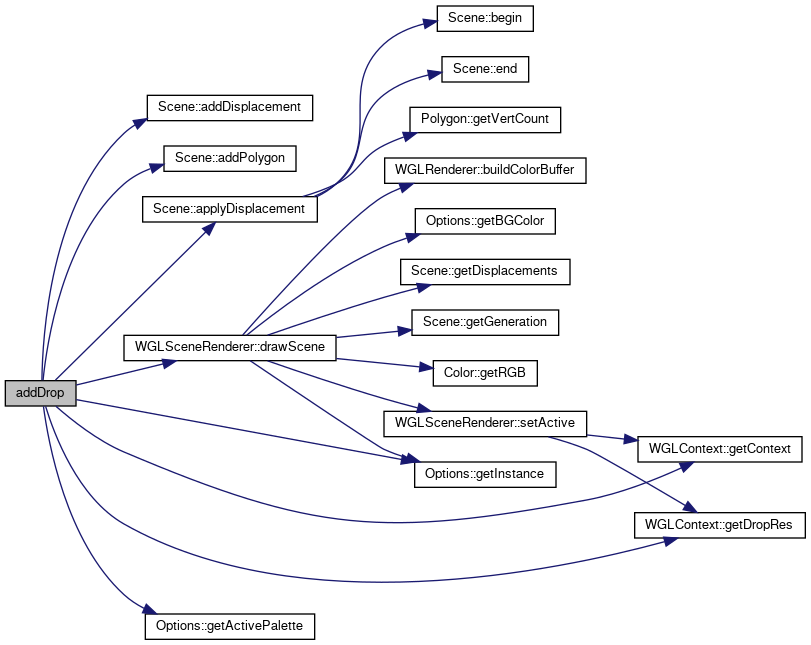
Add a new color drop.
Intended workflow for animation is to add a drop, keep its ID and resize it step wise. After the animation is done and the drop will not further grow call finishDrops().
- Parameters
-
x x coordinate for the drop. y y coordinate for the drop. r Radius of the drop. color Color of th drop. This is a position inside a palette. Changing the active palette will result in a different color later on.
- Returns
- int Negative value in case of failure.
- Parameters
-
color draw a circle at point (x,y) (should be normed to [-1,1]^2) with radius r in the given color
◆ addDrop() [2/2]
| int EMSCRIPTEN_KEEPALIVE addDrop | ( | float | , |
| float | , | ||
| float | , | ||
| unsigned | |||
| ) |
◆ addDrops()
| void EMSCRIPTEN_KEEPALIVE addDrops | ( | int | count, |
| DropData | drops[] | ||
| ) |
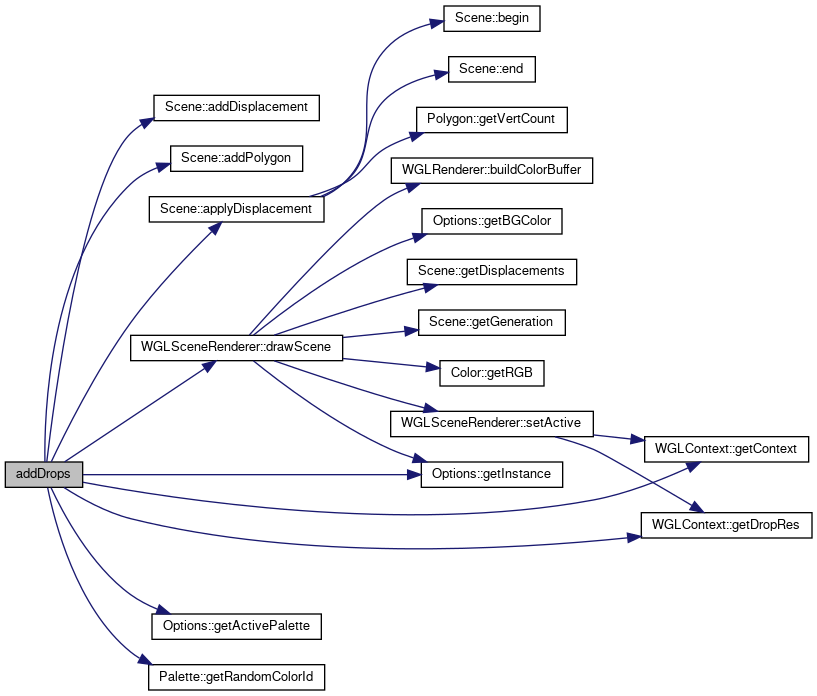
Add multiple drops at once.
- Parameters
-
count Number of drops. drops Drop data.
- Attention
- This is an unstable and experimental feature as it's hard to do with our model.
◆ addPalette()
| int EMSCRIPTEN_KEEPALIVE addPalette | ( | size_t | num_colors | ) |
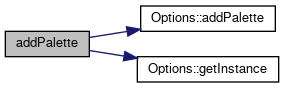
Add a new palette.
- Parameters
-
num_colors Number of colors to pre allocate.
- Returns
- int ID of this palette. May be used to set it active later.
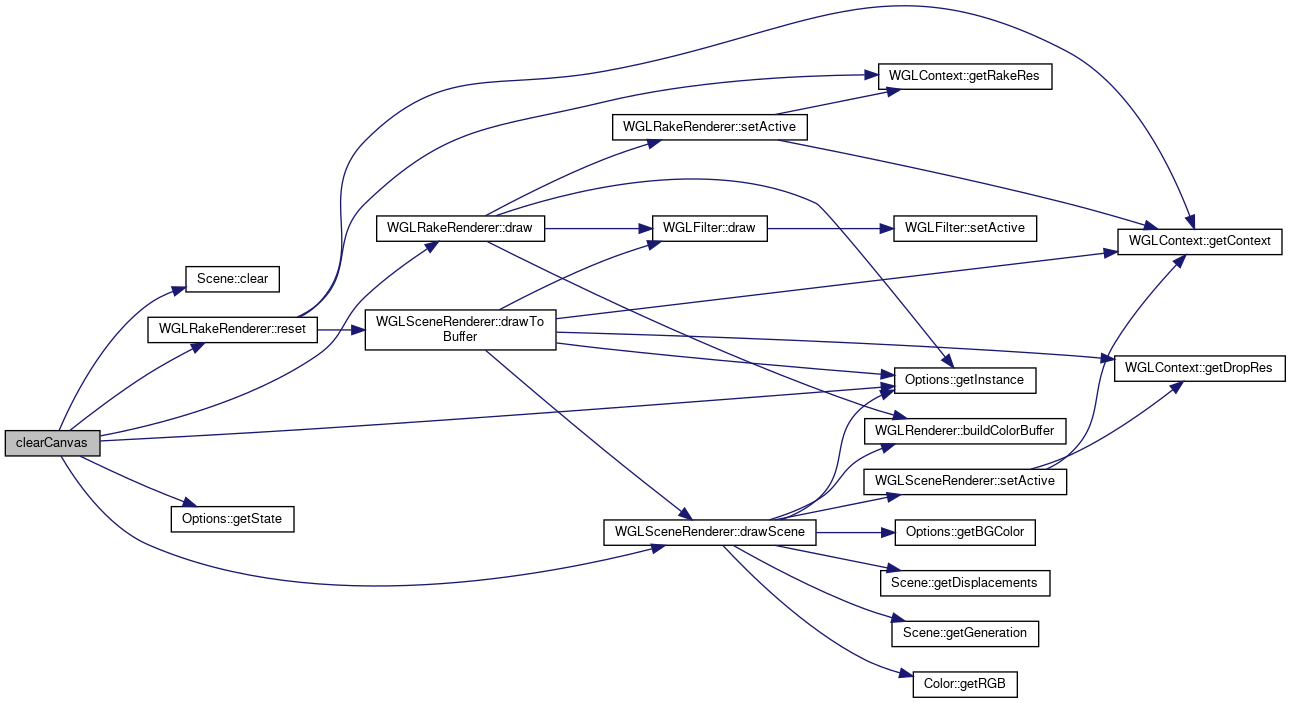
◆ clearCanvas()
| void EMSCRIPTEN_KEEPALIVE clearCanvas | ( | ) |
Clear canvas content and data model.
This can not be undone!
◆ finishDrop()
| int EMSCRIPTEN_KEEPALIVE finishDrop | ( | int | ) |
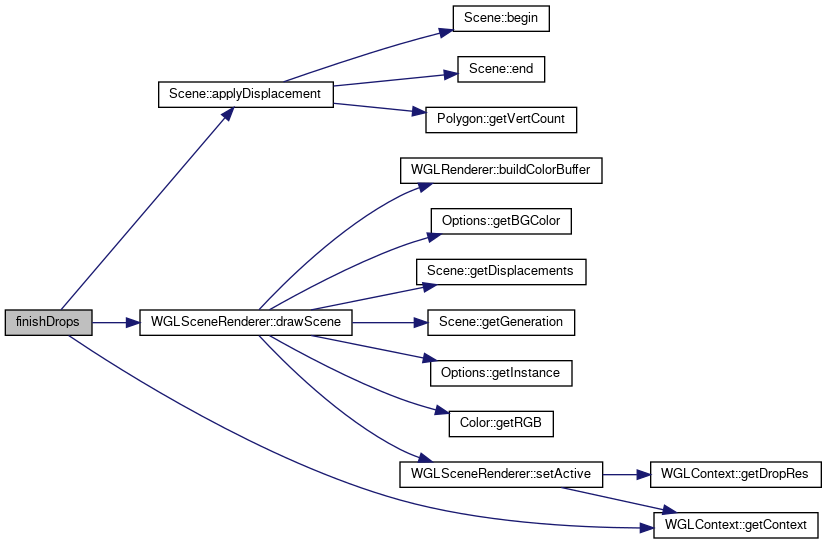
◆ finishDrops()
| int EMSCRIPTEN_KEEPALIVE finishDrops | ( | ) |
Finish all drops applying their displacement on all old drops.
- Returns
- int Negative value in case of failure.
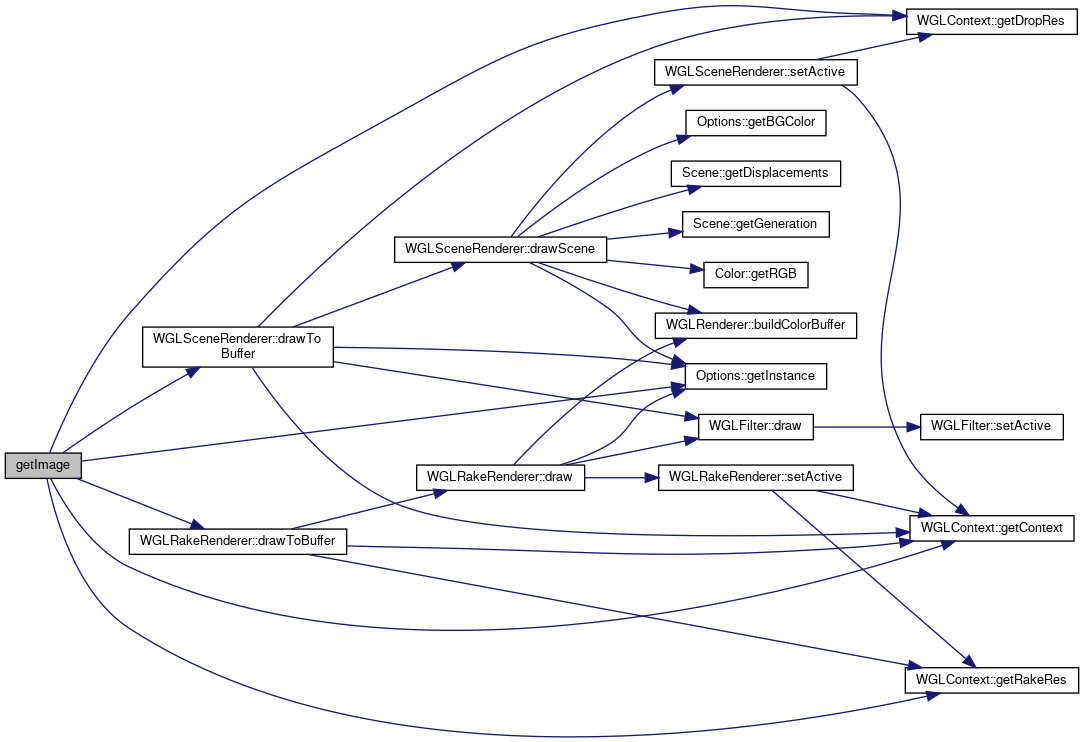
◆ getImage()
| char* EMSCRIPTEN_KEEPALIVE getImage | ( | ) |
Return the current canvas content as image.
- Returns
- char* Image as raw pixel buffer.
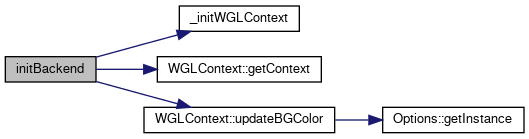
◆ initBackend()
| void EMSCRIPTEN_KEEPALIVE initBackend | ( | const char | canvasID[], |
| size_t | dropRes, | ||
| size_t | rakeRes | ||
| ) |
Init function. Should be called first.
- Parameters
-
canvasID CSS identifier of HTML5 canvas in the frontend. dropRes Resolution of the canvas for drop mode. rakeRes Resolution of the canvas for rake mode.
- Attention
- Currently
dropResandrakeResneed to be the same.
◆ main()
| int EMSCRIPTEN_KEEPALIVE main | ( | ) |
< Currently does nothing. Initialization is the frontend's job.
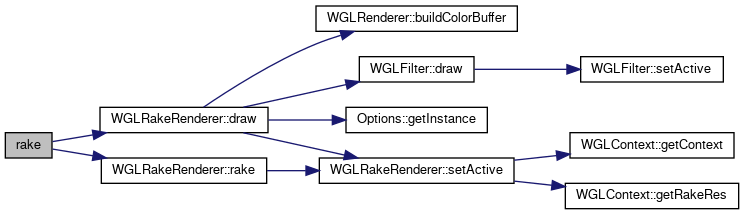
◆ rake()
| void EMSCRIPTEN_KEEPALIVE rake | ( | float | x, |
| float | y, | ||
| float | period, | ||
| float | amplitude, | ||
| float | phase, | ||
| bool | nails[1000] | ||
| ) |
Rake paint on the canvas. Wraps around all edges.
- Parameters
-
x Stroke strength in x direction. y Stroke strength in y direction. period Period length of waves given as factor for canvas size. amplitude Amplitude of waves given as factor for canvas size. phase Phase shift of waves given as factor for canvas size. nails Boolean array which describes the rake.
◆ redraw()
| void EMSCRIPTEN_KEEPALIVE redraw | ( | ) |
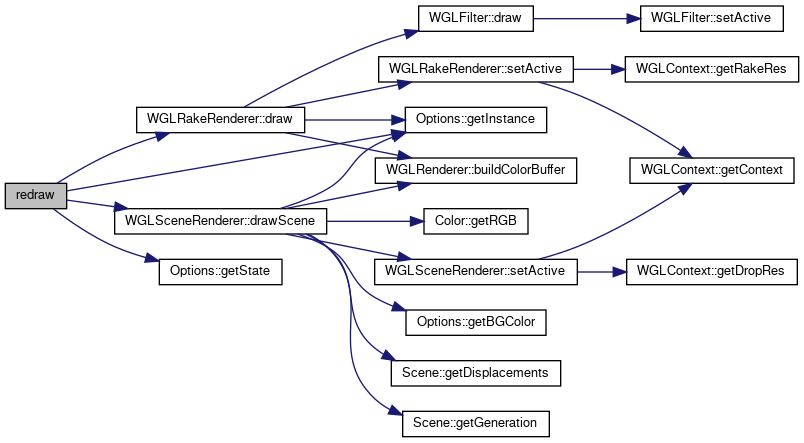
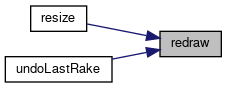
Redraw the current data model based on the backend state.
Useful for color updates for example.
◆ resize()
| void EMSCRIPTEN_KEEPALIVE resize | ( | size_t | dropSize, |
| size_t | rakeSize | ||
| ) |
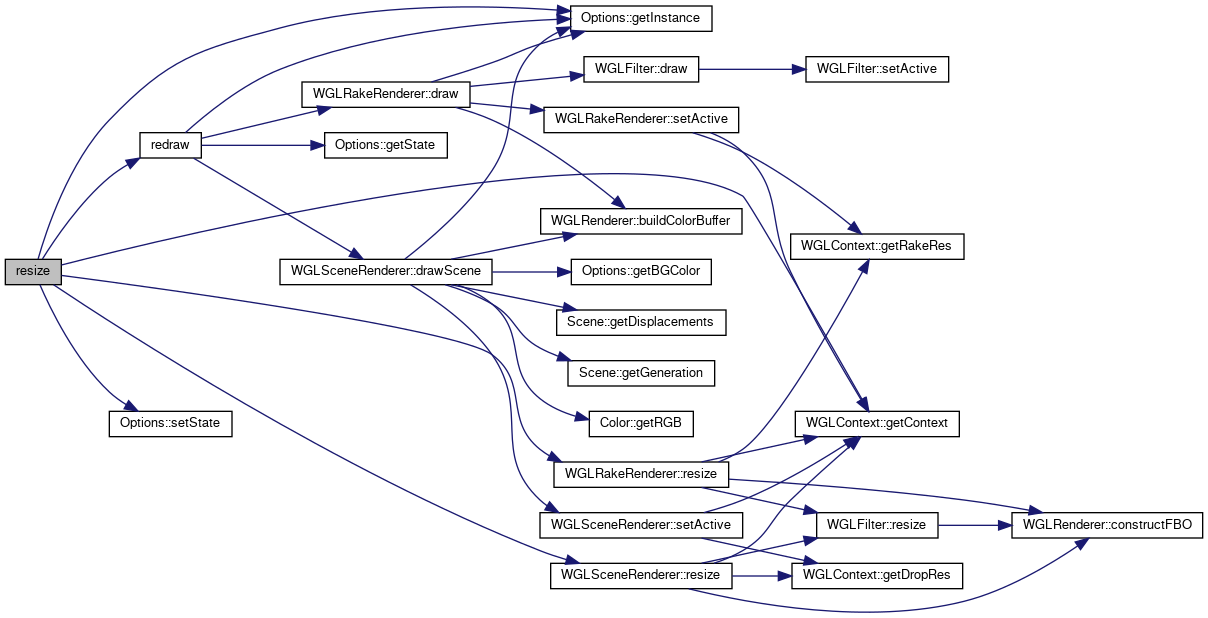
Resize the canvas.
- Parameters
-
dropSize New resolution for drop state. rakeSize New resolution for rake state.
- Attention
- Currently both need to be the same.
- Todo:
- for now both need to be the same
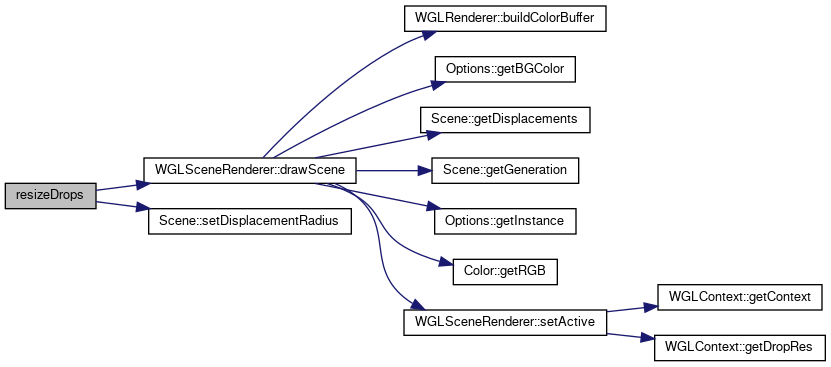
◆ resizeDrops()
| int EMSCRIPTEN_KEEPALIVE resizeDrops | ( | float const | newRadius | ) |
- Parameters
-
newRadius resize all drops
◆ setActivePalette()
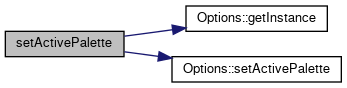
| int EMSCRIPTEN_KEEPALIVE setActivePalette | ( | int const | id | ) |
Set an active palette.
- Parameters
-
id ID of the palette to set active. Return value of addPalette()
- Returns
- int Negative in case of failure.
◆ setBGColor()
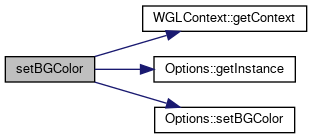
| void EMSCRIPTEN_KEEPALIVE setBGColor | ( | unsigned int const | color | ) |
Set the background color.
- Parameters
-
color Color in HEX Code
◆ setColorAt()
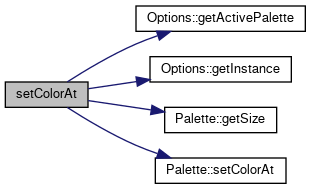
| int EMSCRIPTEN_KEEPALIVE setColorAt | ( | size_t const | colorNumber, |
| unsigned int const | color | ||
| ) |
Set the number at position colorNumber of the active palette.
- Parameters
-
colorNumber Number of color to set. color Color als HEX code.
- Returns
- int Negative in case of failure.
◆ setColorRatioAt()
| int EMSCRIPTEN_KEEPALIVE setColorRatioAt | ( | size_t const | colorNumber, |
| unsigned const | ratio | ||
| ) |
Set the the ratio of a color in the active palette.
- Parameters
-
colorNumber Number of the color to modify. ratio New ratio for sprinkler drops.
- Returns
- int Negative in case of failure.
◆ setFilter()
| void EMSCRIPTEN_KEEPALIVE setFilter | ( | bool | filter | ) |
Set the filter option.
- Parameters
-
filter True for post processing filter, false otherwise.
◆ sprinkle()
| void sprinkle | ( | int | amt, |
| C & | coord, | ||
| R & | radius | ||
| ) |
Generate drops of random size and position.
- Template Parameters
-
C A function type for transforming random numbers to drop coordinates. R A function type for transforming random numbers to drop sizes.
- Parameters
-
amt Number of drops to generate coord A function of type C. radius A function of type R.
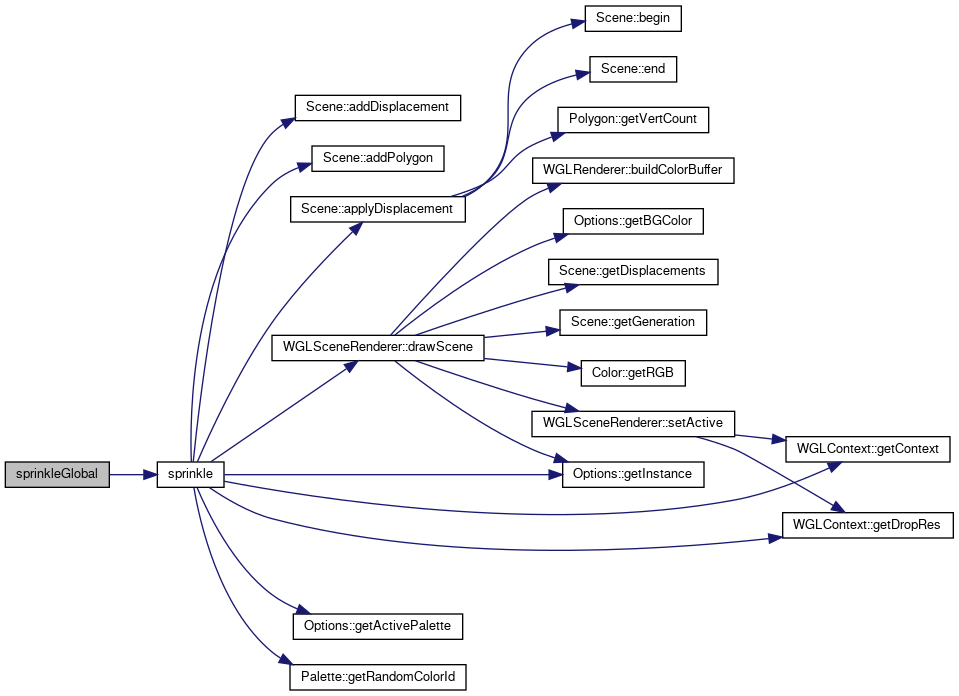
◆ sprinkleGlobal()
| void EMSCRIPTEN_KEEPALIVE sprinkleGlobal | ( | int | amt, |
| float | r_min, | ||
| float | r_max | ||
| ) |
Create drops at random positions on the canvas.
- Parameters
-
amt Number of drops to create. r_min Minimum size. r_max Maximum size.
◆ sprinkleLocal()
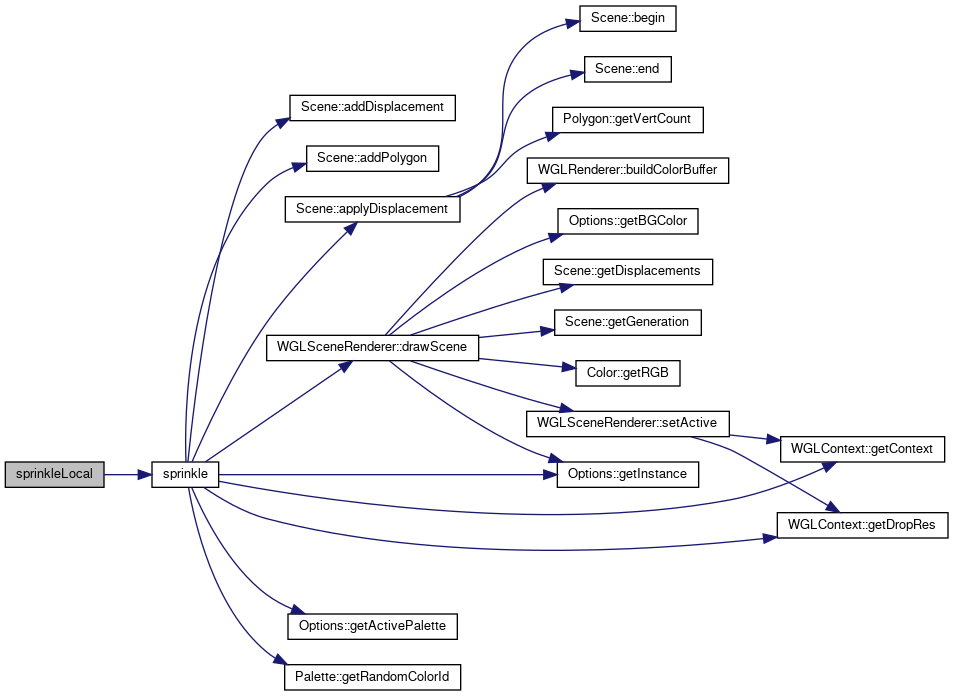
| void EMSCRIPTEN_KEEPALIVE sprinkleLocal | ( | int | amt, |
| float | r_min, | ||
| float | r_max, | ||
| float | x, | ||
| float | y, | ||
| float | sig | ||
| ) |
Create drops around the cursor postion.
\param amt Number of drops to create.
\param r_min,r_max drop size range
\param x,y cursor position
\param sig Sigma of normal distribution for drop position
◆ startDropping()
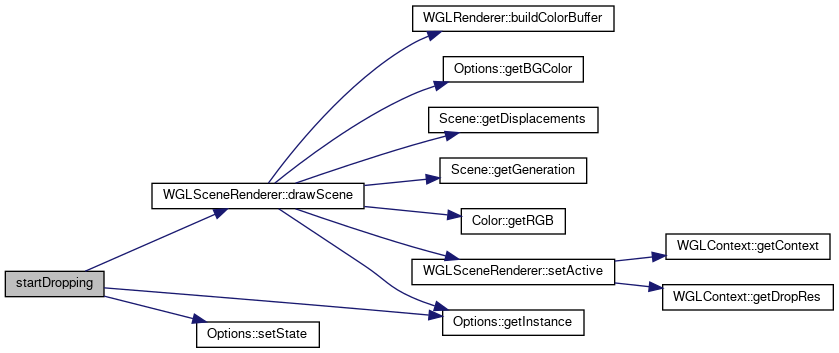
| void EMSCRIPTEN_KEEPALIVE startDropping | ( | ) |
Set drop state.
All rakes will be lost.
◆ startRaking()
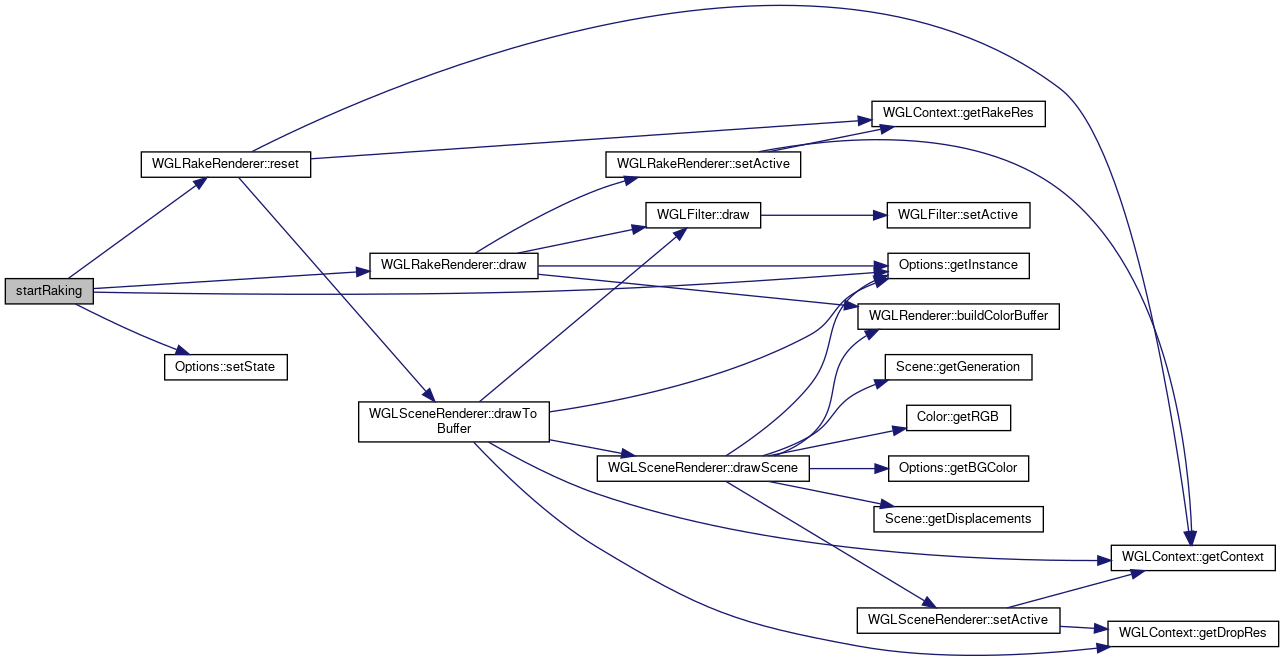
| void EMSCRIPTEN_KEEPALIVE startRaking | ( | ) |
Set rake state.
This results in the scene being rendered to a hidden buffer which is given to the WGLRakeRenderer
◆ undoLastRake()
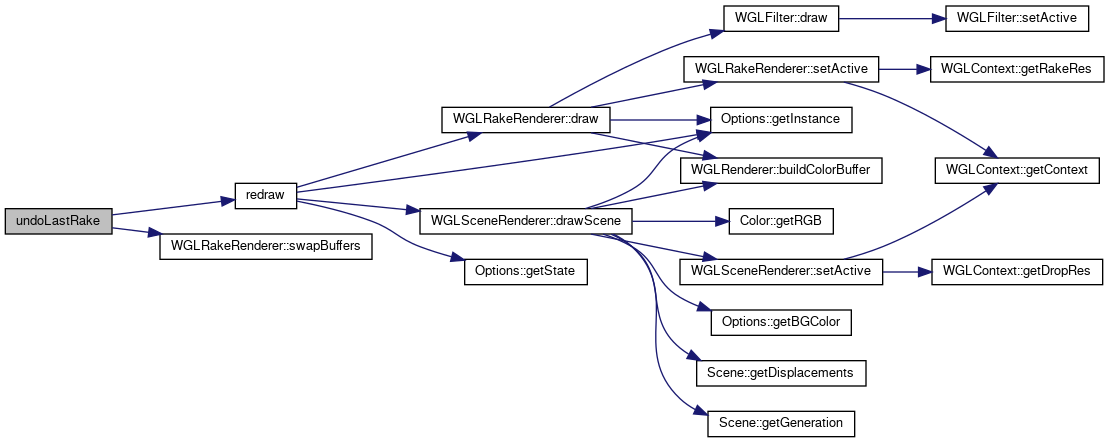
| void EMSCRIPTEN_KEEPALIVE undoLastRake | ( | ) |
Undo the last rake.
Reverting only the last step is very cheap by swapping buffer pointers. Calling it again will swap back (e.g. undo the undo).
Variable Documentation
◆ rakeRenderer
| WGLRakeRenderer* rakeRenderer |
global WGLRakeRenderer
◆ scene
| Scene* scene |
global scene
◆ sceneRenderer
| WGLSceneRenderer* sceneRenderer |
global WGLSceneRenderer
◆ setupDone
| bool setupDone = false |
Stores wether backend is initialized or not.